Summary
- Creating a Google Business Profile is essential for local SEO, helping small businesses appear in the “Local Pack” and capture high-intent customers searching on Google Maps.
- Accurate business details, correct primary category selection, and consistent NAP (Name, Address, Phone) information are critical to avoiding suspension and improving rankings.
- Verification—often through video—is now a key step in activating your listing and proving legitimacy to Google.
- Ongoing optimization through photos, review management, attributes, and consistent updates transforms your profile into a lead-generating local marketing asset.
Local search dominance begins with a single, fundamental asset: your Google Business Profile. When you create business profile on google, you establish a primary interface between your company and local customers searching for your services. A properly configured profile drives foot traffic, increases website visits, and establishes immediate credibility with potential clients.
Millions of searches happen daily with local intent, yet many businesses fail to claim or optimize this free real estate. Ignoring this channel allows competitors to capture market share that should belong to you. Establishing your presence on Google is not just about visibility; it is about controlling the narrative of your brand online.
This guide examines the precise steps required to create business profile on google, verify it, and optimize it for growth. We will look at the technical requirements and strategic decisions that influence your local ranking. You will learn how to turn a basic listing into a high-performing asset that generates consistent leads.
Local SEO Strategy: Why You Must Create Business Profile on Google for Local Search Presence
Google processes billions of searches every day, and a significant portion of these have local intent. Consumers rely heavily on Google Maps and Search to find operating hours, directions, and reviews before visiting a store. If your business lacks a profile, you effectively remain invisible to high-intent buyers in your immediate vicinity.
Data indicates that profiles with complete information and photos receive significantly more clicks than those without. A robust profile acts as a microsite that appears at the very top of local search results. This positioning often bypasses the need for a user to even visit your actual website to convert.
The “Local Pack,” which displays the top three local business results, captures the majority of clicks for location-based queries. Securing a spot in this pack requires more than just existence; it demands a fully optimized profile. Your Google Business Profile, formerly known as Google My Business, is the foundational element of any successful local SEO strategy.
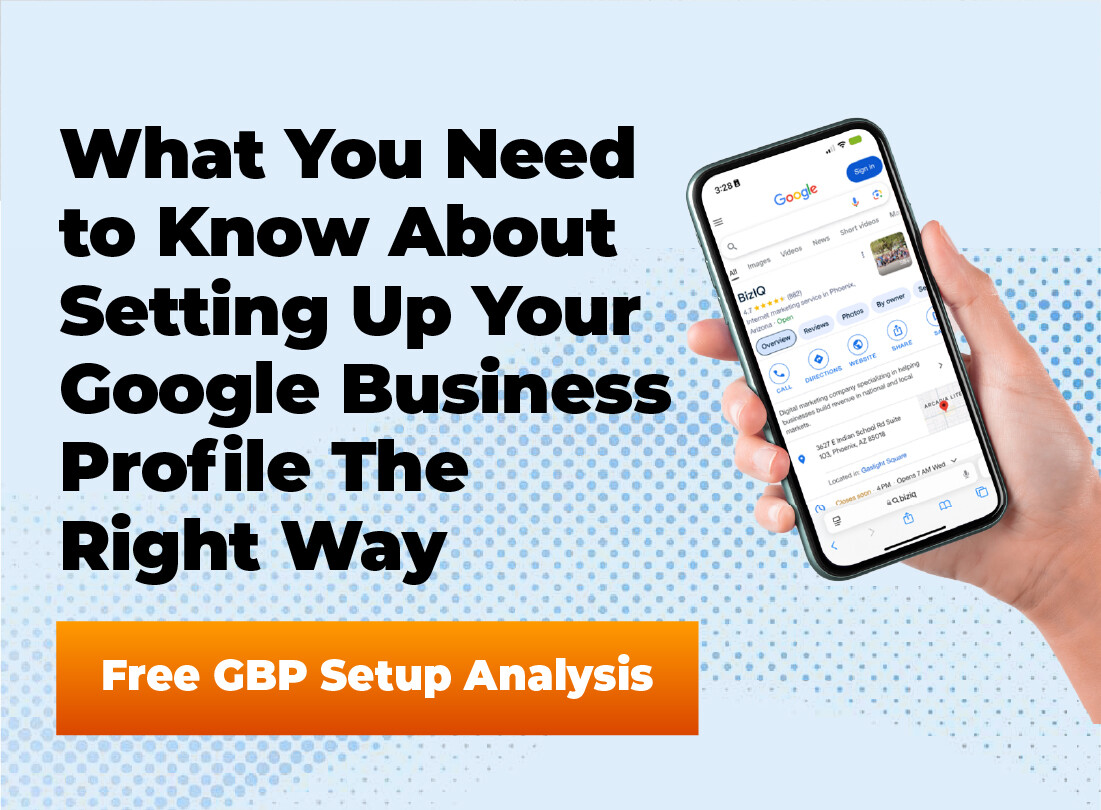
Not Showing Up in Local Searches?
If customers can’t find your business on Google Maps, they’re finding your competitors instead. Let our experts create and optimize your Google Business Profile to help you rank in the Local Pack and drive more calls, visits, and leads.
Google Maps Listing: Essential Prerequisites to Create Business Profile on Google
Preparation is vital before you attempt to create your Google Maps listing to avoid delays or suspension. You must gather accurate details about your business operations to match real-world signage and legal documents. Inconsistencies between your profile and other online data sources can negatively impact your rankings.
Determine your standard business category and any secondary categories that apply to your specific services. Google uses these categories to understand relevance when matching your business to search queries. Selecting the wrong primary category can severely limit your visibility for your most important keywords.
You also need access to a standard business phone number and a physical address for verification purposes. Even service-area businesses that hide their address from the public must provide a valid location to Google internally. Virtual offices or PO Boxes are generally prohibited and can trigger immediate account suspension during the business description phase.
Do not attempt to stuff keywords into your business name field (e.g., “Bob’s Plumbing – Best Plumber in Chicago”). This violates Google’s guidelines and often leads to a swift profile suspension.
Step-by-Step Guide: How to Create Your Business Profile on Google
The process of establishing your digital footprint involves a specific sequence of actions within the Google Maps interface. Following this workflow minimizes errors and positions your profile for faster verification. Accuracy at this stage prevents headaches regarding ownership or duplicate listings when you manage business profile settings later.
How to Initialize Your Profile
Access the Business Gateway
Navigate to the Google Business Profile manager or open Google Maps and right-click on your business location. Sign in with the Google account you want associated with the business.
Define Your Core Identity
Enter your business name exactly as it appears on your signage. Select your primary business category, which dictates which features become available to you.
Configure Location Settings
Input your physical address if customers visit you, or define your service area if you travel to them. Accurate address data is critical for the verification postcard or video.
Finalize Contact Details
Add your website URL and main business phone number. Double-check these for typos, as this is how customers will attempt to reach you immediately.
- Consistency in your business name and address is vital for SEO performance.
- Primary category selection influences your ranking more than almost any other factor.
- Using a business-specific email account adds a layer of security and professionalism.
Verify Business on Google: Mastering the Official Verification Protocol
Google employs strict verification methods to maintain the integrity of its map data and protect users from fraud. Most businesses must verify business on Google through a specific verification channel before the profile goes live. The method available to you depends on your business category, region, and trust score.
Video verification has become the standard for many new listings, replacing the slower postcard method. This process requires you to record a continuous video showing your street sign, unlocking your business door, and demonstrating proof of operations. You must plan this recording carefully to satisfy Google’s requirements in a single take.
Phone or text verification remains an option for some established businesses, offering the fastest route to publication. However, you should never repeatedly request a verification code if it does not arrive immediately, as this can flag your account. Patience and precision during the verification phase prevent long-term administrative locks.
Struggling with Google Verification or Suspension?
Video verification, category selection, and compliance mistakes can delay or suspend your listing. Our team handles the entire verification process correctly the first time—so your business goes live faster and stays protected.
Google Business Profile Optimization: Advanced Strategies for Maximum Visibility
Creating the profile is only the first step; Google Business Profile optimization creates the competitive advantage needed to rank higher. A fully optimized profile signals to Google that your business is active, relevant, and trustworthy for searchers. You must utilize every field available in the dashboard to provide a comprehensive picture of your offerings.
High-quality visual content significantly impacts user engagement and click-through rates. Businesses with more than 100 photos get far more calls and direction requests than those with fewer images. Upload photos of your team, your interior, your exterior, and your products to build trust with potential customers.
Attributes allow you to highlight specific features like “Wheelchair accessible entrance” or “Veteran-led.” These tags help match your business with users filtering for specific needs or preferences. Regularly updating these attributes ensures you appear in niche searches that competitors might overlook.
Draft a business description that sounds natural but includes local keywords. Mention your city and specific services early in the text to improve relevance.
Managing Reviews and Engagement
Positive customer reviews serve as a primary ranking factor and a critical conversion element. A steady stream of positive reviews validates your business to both the algorithm and human readers. You should implement a system to request feedback from satisfied clients immediately after a transaction.
Responding to reviews demonstrates that you value customer feedback and pay attention to service quality. Address negative reviews with professionalism and an offer to resolve the issue offline. This public display of customer service can often turn a negative situation into a trust-building opportunity for future prospects.
Common Pitfalls and Google Maps Listing Suspension Risks to Avoid
Google suspends profiles that violate its terms of service, often without a clear explanation of the infraction. One common mistake involves creating multiple listings for the same business location to try and game the system. This practice almost always results in the removal of all associated profiles.
Another risk area involves the misuse of the “service area” settings by brick-and-mortar businesses. If you have a storefront with signage, you should list your address; hiding it can limit your visibility. Conversely, listing a residential address as a storefront when you are a service area business violates guidelines.
Finally, avoid frequently changing core data like your business name or primary category after verification. Major edits can trigger a re-verification process, taking your profile offline for days or weeks. Make changes only when absolutely necessary and verify the accuracy of the new data beforehand.
- Video verification is replacing postcards as the primary method for proving business legitimacy.
- Regularly adding photos signals activity to Google and improves user engagement rates.
- Avoid creating duplicate listings or stuffing keywords to prevent profile suspension.
Frequently Asked Questions
Is creating a Google Business Profile free?
Yes, creating and managing a Google Business Profile is completely free. Google does offer paid advertising options, but the organic profile itself incurs no cost.
How long does verification take?
Verification timing varies by method. Postcards can take up to 14 days to arrive, while phone or video verification often happens instantly or within 24 hours.
Can I hide my address if I work from home?
Yes, you can list your business as a “Service Area Business.” This hides your specific street address from the public while still allowing you to rank for searches in your designated service area.
Why is my business profile suspended?
Suspensions usually occur due to quality guideline violations. Common reasons include keyword stuffing in the business name, using a PO Box address, or creating duplicate listings.
Do I need a website to have a Google Business Profile?
No, a website is not strictly required. However, having a website generally improves your local ranking and provides customers with more information, so it is highly recommended.
Conclusion
Establishing a business profile on Google is a decisive step toward capturing local market share. It moves your business from obscurity to visibility on the world’s most popular digital map. The process requires attention to detail, but the long-term benefits for lead generation are undeniable.
You must view this profile as a living asset rather than a one-time task. Continuous updates, photo additions, and review management will keep your business competitive in search results. By following the steps outlined here, you build a strong foundation for local digital success.
Turn Your Google Business Profile Into a Lead Machine
Creating your profile is just the beginning. From optimization and photo strategy to review management and ranking improvements, BizIQ helps small businesses dominate local search and convert more customers.