Summary
- Local SEO helps your business appear in searches from nearby customers, especially “near me” searches, which make up 46% of all Google queries. Optimizing for local visibility turns your website into a magnet for high-intent customers.
- A fully optimized Google Business Profile is the foundation of local SEO—every section matters, from accurate NAP details to categories, services, hours, photos, and active use of Posts & Q&A.
- Your website must reinforce your local relevance with optimized title tags, meta descriptions, H1s, content, embedded maps, and location-specific pages tailored to each service area.
- Consistent NAP data, high-quality local citations, and actively managed customer reviews help build trust and authority, improving rankings and increasing conversions from local searchers.
Are you feeling invisible to the customers right in your neighborhood? You’ve built a great business, but your website just isn’t bringing in the local traffic you expected. It’s a common headache, but there is a straightforward way to fix it. You need to learn how to optimize your website for local seo so that when people nearby search for what you offer, your name is the first one they see. This guide breaks down exactly what you need to do to optimize your website for local seo, step by step.
Table of Contents
What Is Local SEO and Why Does It Matter?
Local SEO is the process of making your business more visible in local search results on Google. It’s all about connecting with customers in your actual community. Think about how you search for things yourself. When you want pizza, you probably type “pizza near me” into your phone.
Google recognizes you’re looking for a local spot and shows you options from the Google Map Pack at the top of the results. That’s local SEO in action. It’s not about being seen by everyone in the world, it’s about being seen by the people who can actually walk through your door or hire your service in your town.
These “near me” searches have become incredibly common. A staggering 46% of all Google searches are for local information. Getting this right means you stop being a needle in a global haystack and become a big fish in your local pond.
Start with Your Google Business Profile
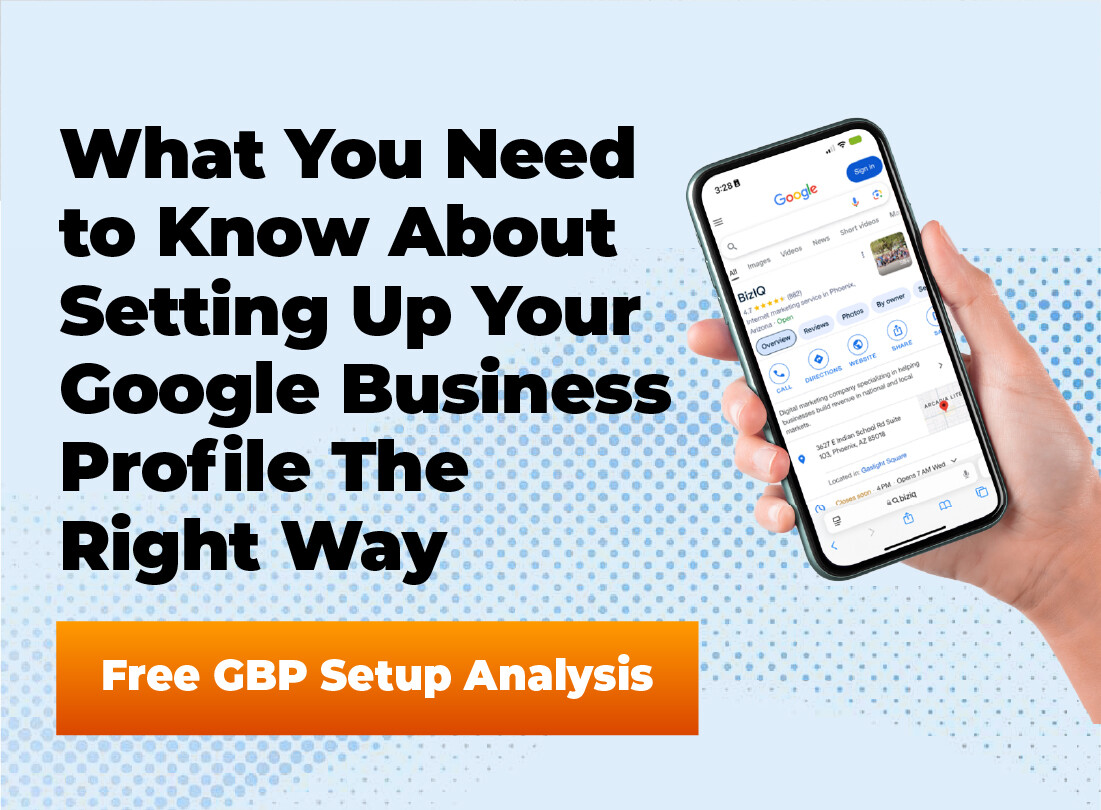
Before you touch a single thing on your website, you have to claim and perfect your Google Business Profile (GBP). This is the absolute foundation of your local SEO efforts. Your GBP is that free business listing from Google that appears in search results and on Google Maps. It’s often the first impression a local customer has of your business.
An empty or incorrect profile tells customers you might not be open or paying attention. But a complete, active profile builds immediate trust and gives them all the information they need to contact you. Think of it as your digital storefront on Google.
Verifying Your Business
First things first, you have to prove to Google that you are a legitimate business at your stated address. This is called verification. Without it, you won’t have full control over your listing, and it might not show up prominently. Google usually sends a postcard with a verification code to your business address to confirm it’s real.
The postcard can take a week or two to arrive, so be patient. In some cases, you might have the option to verify by phone or email, but the postcard method is the most common. Once you get the code, just log back into your profile and enter it to complete the process.
Filling Out Every Section
A half-finished profile isn’t going to cut it. Your goal is to fill out every single section Google gives you. This extra information gives Google more context about your business, helping it rank you for more relevant local searches.
Here’s a breakdown of what you need to complete:
- Business Name: Use your actual business name. Do not add keywords here, as that can get your profile suspended.
- Address: Make sure your address is 100% correct and matches what’s on your website.
- Phone Number: Use your primary local business phone number.
- Website: Link directly to your website’s homepage or a relevant location page.
- Categories: This is huge. Choose a primary category that best describes your business (e.g., “Plumbing Contractor,” not just “Contractor”). Then, add as many relevant secondary categories as possible.
- Services: List all of the specific services you offer. If you’re a plumber, you might list “drain cleaning,” “water heater repair,” and “emergency plumbing.”
- Business Hours: Keep these updated, especially for holidays. Nothing frustrates a customer more than showing up to a closed business.
- Photos and Videos: Add high-quality pictures of your storefront, your team, your products, and your work in action. It helps customers see what you’re all about.
- Business Description: Write a clear and compelling description of what your business does and what makes you different.
- Attributes: Google offers options to show if you’re woman-owned, have wheelchair accessibility, offer free Wi-Fi, and more. Select all that apply.
Struggling to Complete Your Google Business Profile Correctly?
Every missing field on your GBP hurts your visibility. Our experts ensure your categories, services, hours, description, photos & attributes are fully optimized for local ranking.
The Power of Google Posts and Q&A
Your GBP isn’t a “set it and forget it” tool. Two powerful features for staying active are Google Posts and the Questions & Answers section. Google Posts are like mini-updates or social media posts that show up directly on your business profile for seven days. You can use them to announce promotions, new products, or events.
The Q&A section lets potential customers ask questions right on your profile. You should be the first one to answer them. In fact, you can use the Q&A feature proactively by posting your own frequently asked questions and answering them yourself. This helps you control the narrative and give customers information upfront.
How to Optimize Your Website for Local SEO
Once your Google Business Profile is in great shape, it’s time to work on your actual website. The goal is to send clear signals to Google that your business serves a specific geographic area. Your website and GBP need to work together, telling the same story about who you are and where you operate.
Keyword Research for Local Audiences
You need to know what search terms your local customers are using. Local keyword research is slightly different from general SEO. Local searches usually include a geographic modifier, like a city, neighborhood, or the phrase “near me.” For example, instead of targeting “best pizza,” you’d target “best pizza in Phoenix.”
You don’t need fancy tools to start. Just use Google itself. Type your service into the search bar and see what Google suggests. For instance, if you type “roof repair,” Google might suggest “roof repair denver” or “roof repair cost.” Those are great keywords to target.
On-Page Signals That Scream “Local”
On-page SEO refers to the changes you make directly on your website. To optimize for local, you need to sprinkle your location keywords in key places. This helps both users and search engines understand where your business is based.
Integrate your main local keyword into these areas:
- Title Tag: This is the main title that shows up in the browser tab and search results. An example would be “Expert Plumbing Services in Chicago Al’s Plumbing.”
- Meta Description: The short description under the title in search results. Mention your service and city here.
- H1 Heading: The main heading on your webpage. It should clearly state what the page is about and often includes the location.
- Page Content: Mention your city and even nearby neighborhoods naturally throughout your website copy.
Another powerful on-page signal is embedding a Google Map of your location on your contact page. This visually confirms your address. Also, make sure your full Name, Address, and Phone Number (NAP) are clearly listed, ideally in the website’s footer so it appears on every page.
Are Your Website’s Local Signals Strong Enough?
Title tags, meta descriptions, H1s, NAP visibility, maps, and location pages are critical for ranking locally. Get a free audit showing exactly what your website is missing.
Creating Location-Specific Pages
If your business serves multiple locations, don’t just list all the cities on your contact page. This approach is confusing for search engines. A much better strategy is to create a unique page for each physical location or service area.
Each page should have content that is specific to that location. Talk about the local team, share testimonials from customers in that area, and include the specific address and phone number for that branch. This creates a highly relevant experience for users and makes it much easier for Google to rank each of your locations for local searches.
Building Local Authority Beyond Your Site
What happens off your website is just as important as what’s on it. Off-page SEO for local businesses is all about building trust and authority within your local community. It involves getting your business mentioned on other relevant local websites and managing your online reputation.
The Importance of NAP Consistency
NAP stands for Name, Address, and Phone number. We’ve mentioned it before, but it is so important it needs its own section. Your NAP information must be exactly the same everywhere it appears online, from your website to your GBP to other online directories.
Even small differences can cause problems. For example, using “St.” on one site and “Street” on another can confuse search engines and hurt your local rankings. Pick one format and stick with it religiously across the web.
Getting High-Quality Local Citations
A citation is any online mention of your business’s NAP information. Think of them as references for your business. The more consistent, high-quality citations you have, the more Google trusts that your business is legitimate and located where you say it is.
You can get citations from many places, such as:
- Major data aggregators like Data Axle and Neustar.
- Popular directories like Yelp, and Yellow Pages.
- Industry-specific sites like TripAdvisor for hotels or Avvo for lawyers.
- Local websites, like your city’s Chamber of Commerce or a local newspaper’s business directory.
Start with the most important directories and work your way out. Quality matters more than quantity, so focus on getting listed on reputable sites. There are tools available that can help you find and clean up your citations to make sure your data is consistent.
Encouraging and Managing Customer Reviews
Online reviews are incredibly powerful. A steady stream of positive reviews on your GBP and other sites shows Google that you run a reputable business that customers like. A high star rating can be the deciding factor for a customer choosing you over a competitor.
You should actively ask your happy customers to leave a review. Make it easy for them by sending a follow-up email with a direct link to your GBP review page. But it’s not just about getting good reviews; it’s also about how you manage them. Always respond to reviews, both positive and negative. Thanking customers for good reviews shows you appreciate them. Addressing negative reviews professionally shows that you care about customer service and are willing to fix problems.
Need More 5-Star Reviews—and Fewer Bad Ones?
Reviews play a major role in your local rankings. We help you generate more positive reviews, respond effectively, and build a standout reputation online.
Conclusion
Getting your business to show up in local search doesn’t happen by accident. It takes focused effort and attention to detail. By starting with a perfectly optimized Google Business Profile, you create a strong foundation. From there, you can optimize your website for local seo by focusing on local keywords, building dedicated location pages, and making sure your business information is consistent everywhere online. It might seem like a lot, but taking these steps will help you connect with the customers who matter most: the ones right in your backyard.
Ready to Start Dominating Local Search?
Local SEO isn’t complicated—but it does require doing every step correctly. Let our small-business marketing experts build the visibility and traffic your business deserves.
Frequently Asked Questions
Why is a complete Google Business Profile so important for local SEO?
A complete GBP gives Google more context about your business, improving your chances of ranking in the Map Pack. Profiles with full categories, services, photos, attributes, and active Posts outperform incomplete listings.
How do on-page signals help my business rank locally?
Elements like title tags, meta descriptions, H1 headings, NAP placement, and embedded maps help search engines understand your location and service area, boosting local rankings.
What are local citations and why do they matter?
Local citations are mentions of your business name, address, and phone number across the web. Consistent citations build trust with Google and help confirm your business location information.
How do customer reviews influence local search rankings?
Google uses review quality, quantity, and recency as ranking signals. A steady stream of positive reviews—and your responses—improves reputation, credibility, and visibility.