Summary
- A Google Business Profile acts as your digital storefront, helping customers find your services instantly on Google Search and Google Maps.
- Claiming and verifying your profile ensures accurate information, protects your brand, and activates full visibility in local search results.
- Complete optimization—including categories, business description, photos, attributes, and reviews—directly improves local rankings and customer engagement.
- Ongoing management through posts, review responses, and profile updates turns your listing into a long-term lead generation asset.
You want customers to find your services immediately when they search online. A strong online presence starts with visibility on Google Search and Google Maps. This article explains how to set up google business tools effectively to capture that attention.
Most consumers rely on digital searches to find products and services near them. If your company lacks a verified google business profile, you essentially do not exist to these potential customers. Creating this google business profile asset transforms how people interact with your brand locally.
The process might seem technical, but it is straightforward with the right guidance. We will walk through every stage required to set up google business capabilities for your company. You will learn to claim your spot, verify your location, and optimize your google business profile for maximum impact.
The Power of Your Google Business Profile
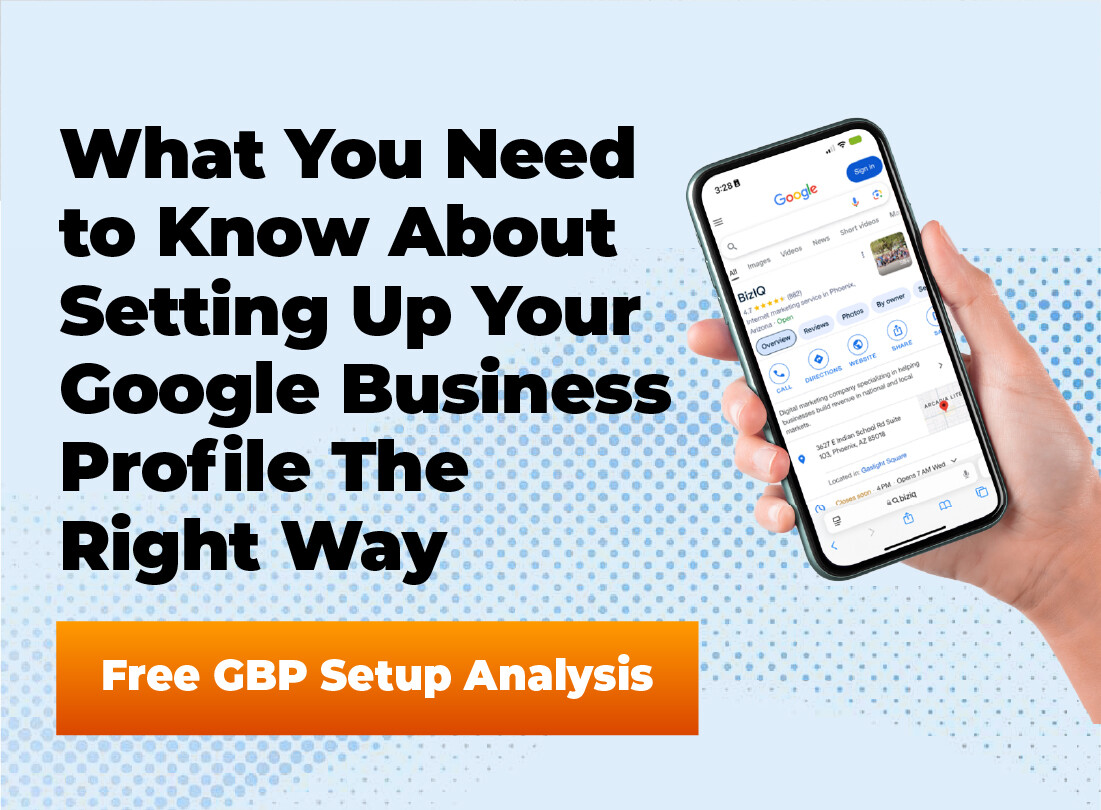
A Google Business Profile serves as your digital storefront in the modern economy. In the world of online business, visibility is everything for companies looking to expand their local reach effectively. This single listing provides critical information like your location, hours, and services to interested buyers. By ensuring your business appears in relevant local searches, you capture high-intent traffic at the exact moment of need.
When you set up Google Business features, you gain control over the first impression you make. Without a managed profile, Google might generate a generic listing based on third-party data, which can be inaccurate. Taking ownership allows you to present the most current details to the public.
This tool also collects valuable data about how customers find you. You can see how many people called you directly from the search result or requested directions. This insight helps you refine your strategy and understand your local search performance better.
Is Your Google Business Profile Working for You?
If your profile isn’t generating calls, direction requests, and website clicks, you’re leaving revenue on the table. Get a professional Google Business Profile analysis and discover how to increase your visibility in local search.
Preparation Before You Start
Log into your google account before starting to ensure all your data remains synchronized across different platforms. Having a verified google account is the first prerequisite for managing your digital footprint across the entire ecosystem. This account acts as the master key for your business profile manager dashboard for your google business. If you use a personal email currently, consider creating a dedicated business email to keep things professional and organized.
Gather all necessary information about your company before you open the search bar to begin. You will need your exact business name as it appears on your signage. Consistency here is critical for building trust with both Google’s algorithms and human users.
Determine your precise physical location or service area boundaries. If you operate a storefront, you need the specific street address. If you are a service-area business, like a plumber or consultant, you must define the geographic regions you cover.
Check if a listing already exists for your company by doing a quick listing search on google maps. If one exists, you can request to claim ownership rather than creating a duplicate.
Step-by-Step Setup Guide: Set Up Google Business
The process to set up Google Business accounts is designed to be user-friendly. However, accuracy during these initial steps is vital for your future profile strength. Follow this guide to establish your foundation correctly. Once you complete these steps, your location will be visible on google maps, allowing mobile users to navigate directly to your door.
How to Create Your Profile
Initiate the Process
Go to the Google Business Profile website and sign in. Type your name into the search bar to see if a profile exists before creating a new one.
Define Your Identity
Enter your business name exactly as you want it displayed. You must also select business category options that best describe your operations.
Set Location and Service Area
Choose whether you have a location customers can visit. If yes, add your physical address. If you deliver goods or services, define your service area.
Add Contact Details
Input your phone number and website URL. This information allows customers to connect with you directly from the business listing.
- Accurate categories help Google match your business profile to the right search queries.
- Defining a service area is crucial for businesses that travel to customers.
- Consistent contact information builds trust with potential clients and search algorithms.
Mastering the Verification Process
You cannot fully utilize your Google Business Profile until you prove you operate the business. The verification method protects the integrity of Maps by preventing fake listings. Google requires this step to activate your visibility.
The most common method involves a postcard that Google sends to your business location. This postcard contains a unique verification code that you must enter into your dashboard. Delivery typically takes five to fourteen days, so patience is necessary.
Some businesses may qualify for phone or email verification. If you see these options, choose business verification via these faster routes immediately. They allow you to get your business profile live in minutes rather than weeks.
Video verification is becoming increasingly common for service-area businesses. You may need to record a continuous video showing your equipment, vehicle, or proof of management. This method helps Google Business support teams confirm you are a legitimate local business.
Stuck Waiting on Google Verification?
Postcards, video verification, and account issues can delay your listing from going live. Let our team handle the setup and verification process correctly the first time so your business appears in local search faster.
Optimization Strategies for Visibility
Once verified, you must fill out every available section of your Google Business Profile. A complete profile ranks better in local search results than a partial one. Google rewards businesses that provide detailed information to users.
Core Business Information
Start by crafting a compelling business description. This 750-character summary should explain what you offer and what makes your company special. Use natural language and include terms your potential customers might use when searching.
Accurate business hours are essential for customer satisfaction. If your hours change for holidays, update your business profile immediately to avoid frustrating clients. You can also indicate if you offer online business services or appointments.
Visual Content and Attributes
Photos significantly impact how users perceive your brand. Upload high-quality images of your team, your work, and your exterior. Profiles with photos receive more requests for directions than those without.
Select all relevant attributes to give searchers more details. You can mark your business as wheelchair accessible, woman-led, or veteran-owned. These specific details help your business profile stand out to customers looking for specific criteria.
Ongoing Management and Growth
Setting up the account is only the beginning of your Google Business strategy. You need to actively manage the profile to maintain high rankings. The profile manager dashboard makes it easy to manage online interactions.
Managing Reviews
Managing your google reviews is a critical part of maintaining a positive reputation within your specific local industry. Encourage your happy customers to leave reviews on your profile. Online reviews are a major ranking factor for local businesses. A steady stream of positive feedback signals to Google that you are trustworthy and active.
You should respond to all customer reviews, both positive and negative. When you reply, it shows you value customer feedback and engagement. This interaction appears publicly on your Google Business listing.
Never offer money or gifts in exchange for reviews. This violates Google Business policies and can result in your profile being suspended.
Using Google Posts
Use the updates feature to share special offers or news directly on your profile. These posts appear in your Google Business Profile when people search for you. It is an excellent way to convert searchers into buyers.
You can manage all these features through the Google Business Profile Manager interface. You can also click menu options directly on Google Search when logged in. This allows you to update your business online information instantly.
- Active management of reviews improves local search rankings.
- Regular updates via posts keep your business profile fresh and engaging.
- Responding to feedback demonstrates excellent customer service publicly.
Frequently Asked Questions
Is setting up a Google Business Profile free?
Yes, creating and managing a Google Business Profile is completely free. It is a powerful free tool provided by Google to help businesses connect with local customers. There are no hidden fees for the basic listing features.
Can I have a Google Business Profile without a physical address?
Yes, service-area businesses can set up a Google Business Profile without displaying an address. You will verify your home address, but hide it from the public. Instead, you will define a service area where you operate.
How long does verification take?
The time depends on the method. If Google sends a postcard, it usually arrives within 5 to 14 days. Phone or email options are instant, but not all business profiles qualify for them.
Can I manage multiple business profiles?
Yes, you can manage multiple business profiles under a single google account. The business profile manager allows you to organize and update several locations from one dashboard.
What if someone else claimed my business?
You can request ownership through Google. Search for the business listing and click “Own this business?”. Google will guide you through the steps to prove you are the rightful owner of the Google Business asset.
Final Thoughts on Your Digital Presence
Establishing your Google Business Profile is a fundamental step for any modern company. It connects your services directly to the people searching for them. By taking the time to set up Google Business correctly, you build a sustainable source of new leads.
Remember that your business profile requires attention to stay effective. Keep your information current, add new photos, and engage with your google reviews. An active profile signals reliability to both the search engine and your future clients.
Start the process today to secure your place in the local market. With a fully optimized Google Business Profile, you position your brand for long-term success. Your online presence depends on how well you utilize these essential, free tools.
Turn Your Google Presence Into Predictable Leads
A Google Business Profile isn’t “set it and forget it.” From setup and verification to optimization and review management, BizIQ helps small businesses build a powerful local presence that drives real growth.