Summary
- A properly optimized Google Maps business location helps local customers find, trust, and choose your business when they’re ready to buy.
- Creating a complete Google Business Profile with accurate categories, location type, and service areas is the foundation of strong local SEO.
- Verification confirms your legitimacy and unlocks full control over reviews, updates, photos, and customer interactions.
- Keeping your information current—hours, photos, reviews, and posts—signals trust to Google and improves long-term visibility.
You’ve done the hard part. You built a business from scratch, pouring your heart and soul into it. But now, you’re facing a new challenge: getting local customers to actually find you. It feels like you’re invisible if your google maps business location isn’t showing up correctly.
People can’t buy from you if they can’t find you. You’re not alone in this feeling, and thankfully, getting your official google maps business location set up is easier than you think. This step-by-step guide will walk you through the entire process.
Think about how you look for things. When you need a coffee, a mechanic, or a hardware store, what’s the first thing you do? You probably pull out your phone and perform a google search. You look at the map, check the customer reviews, and pick a place that’s close and looks good. Your potential customers are doing the exact same thing.
This is why getting your business on that map is a fundamental part of doing business today. Your google maps listing is your digital storefront sign, waving to everyone who drives by online. This guide will walk you through everything, step by step, to build your online presence.
Table of Contents
- Why Every Local Business Needs to Be on Google Maps
- The First Step: Creating Your Google Business Profile
- Setting Your Official Google Maps Business Location
- The Verification Process: Proving You’re the Real Deal
- Don’t Just Set It and Forget It: Optimize Your Profile
- Keeping Your Information Current
- Conclusion
- Frequently Asked Questions
Why Every Local Business Needs to Be on Google Maps
Putting your business add on Google Maps is about so much more than just a pin on a map. It’s your ticket to being discovered by people in your community who are actively looking for your services. These aren’t cold leads; they are people with a need, right now, using maps search to find a solution.
When your business appears in local search results, you gain immediate credibility. A complete business listing with an address, phone number, and hours makes you look legitimate and trustworthy. According to Google, searchers who find a small business on Maps are 50% more likely to make a purchase, making this a vital piece of your digital marketing strategy.
It also gives you a direct line of communication with your customers. They can call you with one tap from the maps listing, get directions to your door, and read client reviews from others. It turns a simple google maps search into a real-world interaction and is the foundation of local seo.
The First Step: Creating Your Google Business Profile
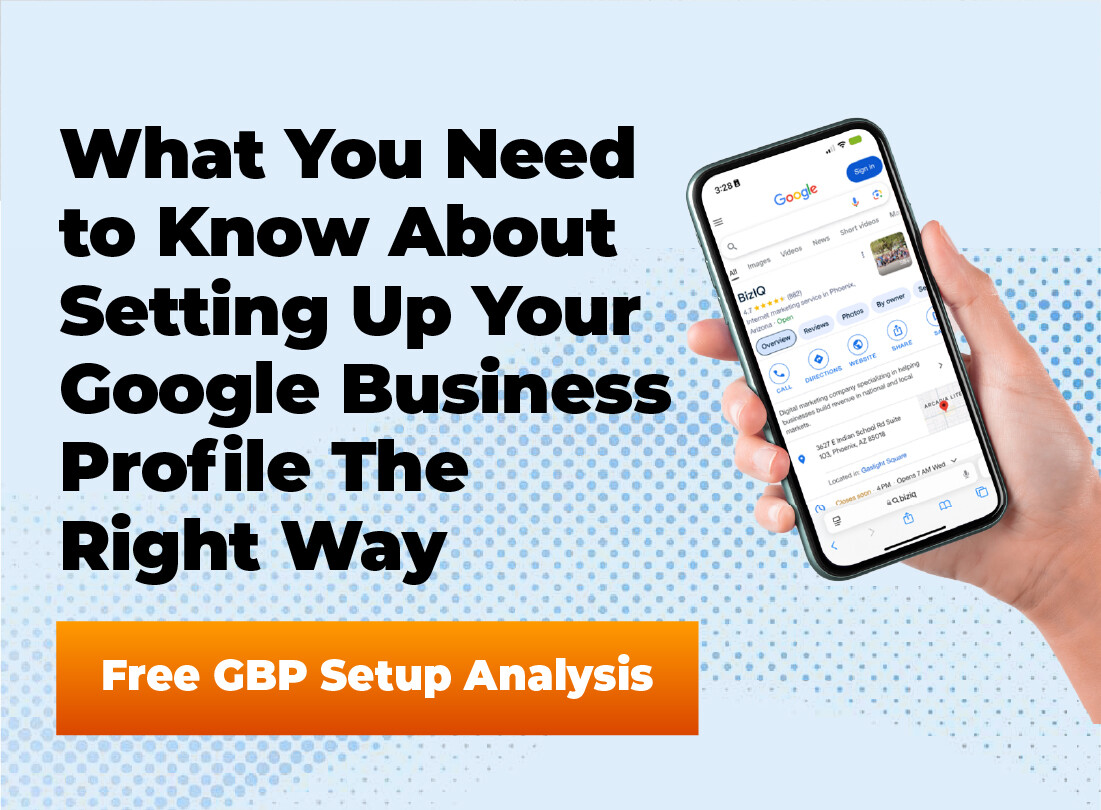
Before you can get on the map, you need a Google Business Profile. Think of this as your business’s online headquarters on Google. It’s a free tool that controls how your business appears across Google Search and Maps, and it’s the most powerful tool for search engine optimization on a local level.
The process itself is pretty straightforward. You’ll need a Google account to get started. Don’t worry, this isn’t some complicated technical process; it’s made for business owners just like you looking to get their business online.
Get Your Google Business Profile Set Up Right
An incomplete or incorrect profile can keep your business hidden on Google Maps. We’ll build your profile correctly so customers can find and trust you.
Here’s how to get it done:
- Go to the Google Business Profile creation page and sign in with your Google account.
- Type business name into the search bar. As you enter business name, Google will show existing profiles. If it pops up, someone might have already started a business profile for you that you can claim. If not, you’ll create a new one by clicking add business to Google.
- Follow the prompts to select business category. Be as specific as you can. For example, instead of just “Restaurant,” choose “Italian Restaurant.” This helps the search engine understand exactly what you do.
Setting Your Official Google Maps Business Location
This is where you define how customers find you. Google needs to know the exact location and what kind of business location you operate. It generally separates businesses into a few main types, so picking the correct location type is important.
For Businesses with a Physical Storefront
Do customers come to you? If you run a coffee shop, a retail store, or a doctor’s office, this is you. You have a physical location that people can walk into.
When Google asks, you’ll choose the option that you have a location customers can visit. You’ll then be prompted to enter your full street address, including the zip code. Accuracy here is critical, as this address will be used for the verification process.
Make sure you enter it exactly as it would appear on a piece of mail. Double-check the street number, name, and zip code. Any tiny error can cause major headaches with verification and customer directions later on.
For Service-Area Businesses
What if you go to your customers? Plumbers, electricians, landscapers, and cleaning services fall into this category. This is often called an area business, where you don’t have a storefront, and you probably work out of your home.
You do not want your home address plastered all over the internet. Luckily, Google understands this. In this case, you will tell Google you do not have a physical location for customers.
Instead, you’ll define a service area. You can list specific cities, zip codes, or even draw a radius on a map of how far you’re willing to travel. This tells customers you serve their area without revealing your private address, making it the ideal setup for a location business without a storefront.
Hybrid Business Models
Some businesses do both. For example, a restaurant that has a dining room but also offers delivery is a hybrid business. You serve customers at your business address and also in a designated service area.
In this scenario, you will provide your physical location address for the map pin to appear correctly. Then, you will also add your service areas. This allows you to show up for customers looking for a place to visit and for those searching for services that come to them.
| Feature | Storefront Business | Service-Area Business (SAB) | Hybrid Business |
|---|---|---|---|
| Address Display | Full public address is shown. | Address is hidden for privacy. | Full public address is shown. |
| Map Display | A single map pin at the exact location. | A shaded area showing the service region. | Both a map pin and a shaded service area are shown. |
| Best For | Retail stores, cafes, clinics. | Plumbers, mobile dog groomers, landscapers. | Pizzerias with dine-in and delivery, contractors with a supply shop. |
The Verification Process: Proving You’re the Real Deal
After you’ve entered all your information, Google needs to confirm that your business google listing is legitimate and that you’re the rightful owner. This verification step is what unlocks your ability to fully manage your google business profile. Without it, you can’t respond to reviews or update all your information.
Google offers a few different ways to verify your business. The most common method is by postcard. They will mail a postcard with a unique verification code to the business address you provided. This usually takes about 5 to 7 business days to arrive.
Once it arrives, you just log back into your profile and enter the code. Other methods can sometimes be available, like verification by phone call, text message, email, or even a live video call where you show them your workspace or company vehicle. The options you see depend on your business category and history with Google.
Don’t Just Set It and Forget It: Optimize Your Profile
Getting verified is a huge step, but the work isn’t done. A basic profile is good, but a fully optimized google business listing is what really helps attract customers. Think of it like an empty storefront versus one with beautiful window displays and welcoming signs.
Photos Are Your Best Friend
People are visual. They want to see what your business looks like before they visit. A study from BrightLocal shows that businesses with photos on their profiles get 42% more requests for directions on Google Maps.
Upload high-quality pictures of everything. Include photos of your storefront’s exterior, the interior, your products, and your team at work. This helps customers feel more comfortable and familiar with you before they even walk in the door.
Write a Business Description That Sells
You have 750 characters to tell people what you’re all about. Don’t just list what you do; explain what makes you different. Why should a customer choose you over the competition down the street?
Use keywords that people might search for, but write for humans first. Talk about your history, your mission, or your specialty. This is your chance to give your business some personality and connect with potential customers.
Fill Out Every Possible Section
Google gives you a lot of fields to fill out in your business dashboard, and you should use every single one of them. Add your hours of operation, website link, and contact number. Go deeper and add your services, products, and specific attributes from the menu options.
Are you wheelchair accessible? Do you offer free Wi-Fi? Are you a woman-led business? It’s essential to add these details, as they can be the deciding factor for a potential customer when they search location options.
Stuck on Verification?
Postcard delays, video verification, or missing options can stall your listing. Our team helps you verify faster and avoid costly mistakes.
The Power of Customer Reviews
Reviews are the lifeblood of a local business. Positive customer reviews provide powerful social proof and build trust. They directly influence your ranking on Google Maps, too.
Don’t be shy about asking your happy customers to leave a review. Make it easy for them by sending a direct link to your business profile. And when reviews come in, both good and bad, make sure you respond. A thoughtful response shows you care about customer feedback.
Keeping Your Information Current
Your Google Business Profile is not a static webpage. It’s a living, breathing part of your online presence. You need to keep it updated to provide the best experience for customers and stay in Google’s good graces.
Are you closing early for a holiday? Update your special hours. If you need to change business hours or your phone number, do it promptly. Running a promotion or have a new product? Use the Google Posts feature to share timely news tips and updates. This feature works like a mini-blog or social media feed right on your profile.
You should also keep an eye on the Questions and Answers section. Anyone can ask a question on your profile, and if you don’t answer it, another user might. By answering promptly, you control the narrative and give helpful information to all future visitors.
Using Your Business Dashboard Insights
The business dashboard provides a wealth of information about how customers interact with your listing. You can see how many people found you through a direct search for your business name versus a discovery search for a category, product, or service. This data shows you how customers search for businesses like yours.
The insights also show you the most common actions people take, such as clicking to call your contact number, requesting directions to your exact location, or visiting your website. Reviewing this data monthly is like performing a mini seo audit on your google business listing. It helps you understand what’s working and where you can improve your local engine optimization efforts.
Keep Your Google Maps Listing Working for You
Outdated hours, missing photos, or unanswered reviews can cost you customers. We keep your profile optimized and accurate year-round.
How to Change Business Address
Businesses sometimes move. If you need to change business address, the process is straightforward but must be done correctly. Log in to your business dashboard, navigate to the Info tab, and click the pencil icon next to your address.
Enter the new address google will use and drag the map pin to the correct location. After submitting the change, Google may require you to re-verify your business at the new address. This is a standard security measure to prevent fraudulent changes to a business listing.
Conclusion
It’s clear that your Google Maps business location is a powerful tool for growth. It connects you with local customers who are ready to buy. Setting up and managing your google business profile takes a little effort, but the return is well worth it.
By following these steps, you’re not just putting a pin on a map; you’re building a digital doorway for your community to find you. From the initial setup and verification process to ongoing optimization with photos and reviews, a strong online presence on Google is achievable. An accurate and well-managed google maps business location can change the trajectory of your small business.
Turn Your Google Maps Presence Into Sales
A verified, optimized Google Maps location helps customers find, call, and choose your business. Let us handle the setup while you focus on growth.
Frequently Asked Questions
Do I need a Google Business Profile to show up on Google Maps?
Yes. A Google Business Profile is required for your business to appear on Google Maps and in local search results.
Should I show my home address if I’m a service-area business?
No. Service-area businesses can hide their address and list service areas instead, protecting privacy while still appearing in searches.
How often should I update my Google Maps business information?
Update your profile anytime hours, phone numbers, services, or promotions change. Regular updates help maintain visibility and trust.
Do photos and reviews really impact Google Maps rankings?
Yes. High-quality photos and active customer reviews improve engagement, credibility, and local SEO performance.