
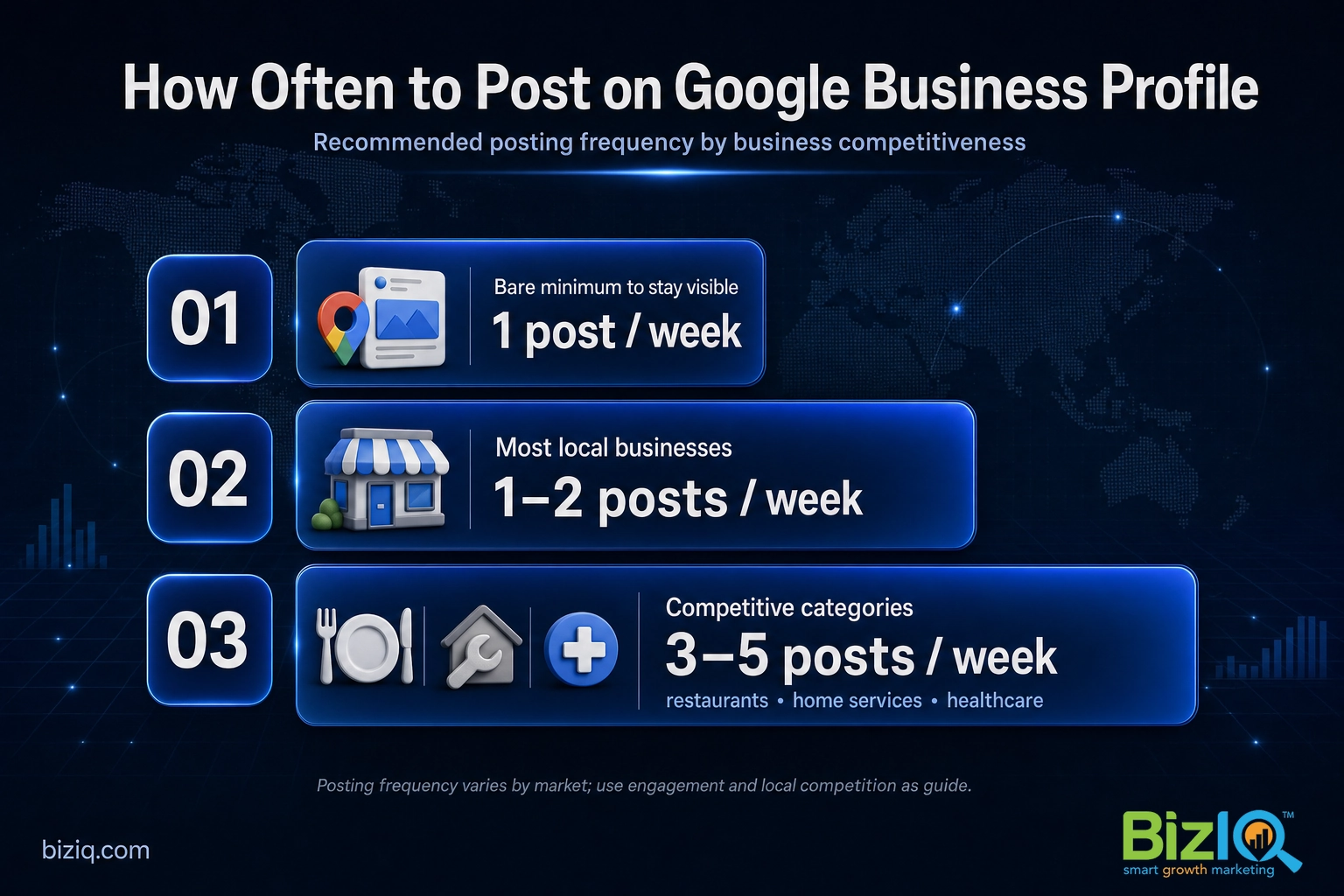
Post on your Google Business Profile at least once a week. For most local businesses, one to two posts a week is the sweet spot, and busier or more competitive categories (think restaurants, home services, and healthcare) often do better with three to five. Google does not publish an official posting schedule, so the number that matters most is the one you can keep up with, week after week. This guide gives you a clear cadence, explains how long your posts actually last, and hands you a simple weekly plan.
Quick note on names: Google My Business (GMB) is the old brand for what Google now calls your Google Business Profile (GBP). It is the free listing that shows your business on Google Search and Google Maps. People still search “Google My Business,” so we use both names here, but it is all the same profile.
- Weekly is the floor. Publish at least one post a week so your profile looks active to customers and to Google.
- One to two a week suits most businesses. Competitive local categories benefit from three to five.
- Consistency beats volume. A steady rhythm you can sustain outperforms a big burst followed by silence.
- Posts fade, they do not pile up. Each new post pushes older ones down, so fresh content keeps you visible.
- Posting supports rankings indirectly. It is not a direct ranking factor, but an active, complete profile helps you earn more calls, visits, and leads.

What’s in This Guide
So, How Often Should You Post on Google My Business?
At least once a week. That is the practical floor that keeps your profile looking active and gives Google and your customers a steady stream of fresh information. From there, more is usually better, up to a point:
- Most local businesses: one to two posts per week keeps your profile fresh without overloading your schedule.
- Competitive categories: restaurants, home services, medical and dental practices, and anyone fighting for the same local customers often do better at three to five posts a week.
- The bare minimum: one post a week. Drop below that and your newest update starts to look stale, which is the opposite of the signal you want.
The reason weekly works is simple. Your Business Profile is often the first thing a customer sees when they search your name or your service plus your city, and an up-to-date profile builds trust the moment they land on it. Google’s own research found that customers are far more likely to act when a profile is complete and current.
Posting regularly is one of the easiest ways to keep that profile “complete and up to date.” It shows customers you are open, active, and paying attention, which is exactly what someone choosing between you and the shop down the street wants to see. If you are not sure what counts as a post, start with our plain-English rundown of what Google Posts are and how to use them.
Source: Google Business Profile
Does Posting More Often Help You Rank Higher?
This is the question everyone really wants answered, so here is the honest version: posting is not a confirmed, direct local ranking factor. Google ranks local results on three things, relevance, distance, and prominence, and “number of posts this week” is not a lever you can pull to jump to the top of the map pack (the three local results Google shows above the regular listings).
What posting does do is feed the things Google and customers reward. A profile that gets fresh posts, new photos, and quick review replies looks active and trustworthy, and that supports your prominence over time. Just as important, every post is a chance to turn a searcher into a call or a booking while they are looking at your listing. In other words, posting helps you win the customer who already found you, and it keeps your profile in the shape that tends to rank well. For the full picture of what moves the needle, see how Google My Business helps your SEO (search engine optimization, the work of showing up higher in search) and how Google actually ranks a Business Profile.
The payoff shows up as more of the actions that matter to a local business: calls, direction requests, and clicks to your site. That is why an active profile is worth the few minutes a post takes.
Real results for real local businesses
How BizIQ clients turned their Google presence into customers.
Holloway Construction
Demolition & excavation — Jonesborough, TN
Down to their last $2,500 with no online presence, Holloway Construction had BizIQ launch a website in under 24 hours and optimize their Google Business Profile so customers could find them — and made $30,000 in 24 hours.
“BizIQ saved my business.” — Mark Holloway, Owner
New Image by Hilary
Cosmetic enhancement services
A previous agency had her competing against herself, so customers couldn’t find her. BizIQ won a $3,000 refund, then built an optimized site with local keyword research — now customers find her again straight from a Google search.
Want to see the service video before we go deeper? Here is a quick look at how a managed Business Profile works.
How Long Do Google Business Profile Posts Last?
This trips up a lot of owners, because the rules changed. Standard “What’s New” and update posts used to vanish from your profile after seven days. Google removed that automatic expiry, so today those posts stay on your profile. They do not expire on a timer.
What does happen is that your newest post shows most prominently, and each new one pushes the older posts down and into the “Updates” area of your profile. So posts do not pile up in the spotlight. They fade in visibility as fresher content arrives, which is exactly why a steady weekly rhythm keeps something current in front of searchers.
Two post types work differently and are worth knowing:
- Offer posts run between the start and end dates you set and stop showing once the offer ends.
- Event posts display while the event is upcoming or live and drop off after the event date passes.
So “how long a post lasts” depends on the type. Update posts stick around but lose prominence, while Offer and Event posts are tied to the dates you choose.
How Many Posts Can You Have on Google Business Profile?
There is no cap on the total number of posts you can publish. You can add several in a single week, and you can keep a mix of Updates, Offers, and Events live at the same time. Google does not limit the running total.
The catch is visibility, not quantity. Only your most recent update gets the prime spot, and the rest sit under a “Latest” or “Updates” view that most searchers never tap through. That has a practical consequence: dumping ten posts in one afternoon gives you far less value than spreading those same ten posts across several weeks, where each one gets its turn in the spotlight. Space them out, and every post earns attention. For a hands-on walkthrough of publishing them, see our guide to posting on your Google Business page.

What Should You Post Each Week?
Frequency only works if the posts are worth reading. The goal is a helpful, timely update that gives someone a reason to act. Rotate through a handful of post types so your profile never feels repetitive:
- Service or product highlight: spotlight one thing you do, with a photo and a “Learn More” or “Call” action.
- Offer or promotion: a seasonal deal, a new-customer discount, or a limited-time special using an Offer post.
- Event: an open house, a sale weekend, a workshop, or anything with a date.
- Quick tip or FAQ: answer a question customers always ask, which also helps your profile show up for more searches.
- Proof and personality: a recent project, a team moment, or a thank-you tied to a great review.
Whatever the type, add a fresh photo whenever you can. Images are one of the most underused wins on a Business Profile, and the data backs that up.
Pair that with consistent, keyword-friendly writing and you give customers more ways to find and choose you. If you want ready-made inspiration, browse our full breakdown of how to use Google Posts and the Google Business Profile FAQ hub.
Source: Google Business Profile Help
The Best Day and Time to Post
There is no single best time that works for every business, and any blog promising one exact “magic hour” is guessing. The reliable approach is to post when your customers are most likely to be searching. For many local businesses that means weekday mornings and early evenings, when people plan errands, meals, and appointments.
Far more important than the exact minute is showing up on schedule. Pick a day, say Monday or Tuesday, make it your standing GBP day, and keep it. A predictable weekly post you actually publish beats a “perfectly timed” one you keep putting off.
“Posting every single day guarantees I will rank number one.” Not true. More posts will not force you to the top of the map pack, and daily filler can quietly train you to publish thin, repetitive updates. Quality and consistency win. A few strong posts a week, backed by reviews and accurate information, do more than a daily post with nothing to say.
A Simple Weekly GBP Posting Plan
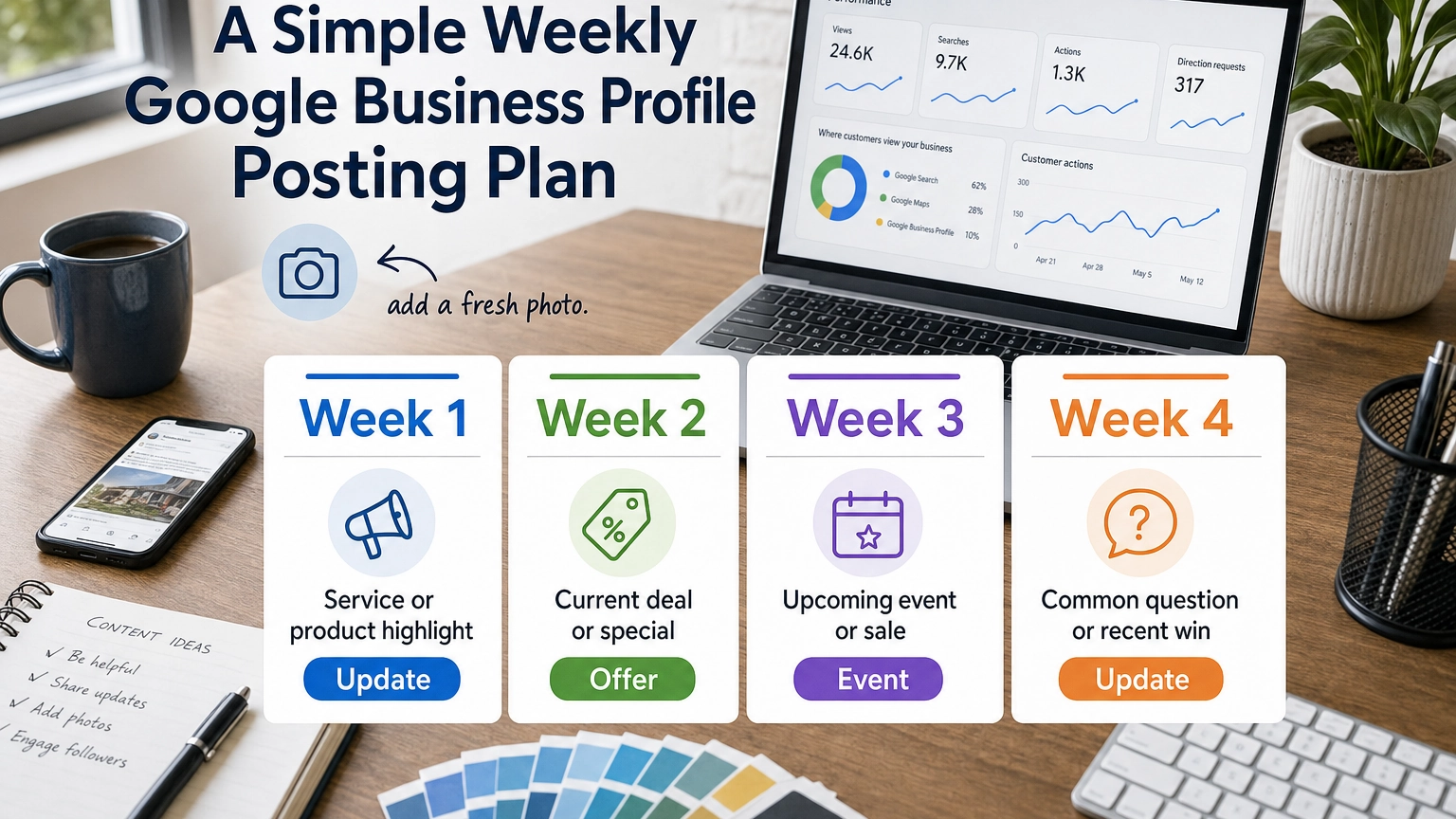
Here is a four-week rotation you can copy. It keeps something fresh in your spotlight every week without you reinventing the wheel. Repeat the cycle each month, swapping in current offers and events as they come up.
| Week | What to post | Post type | Goal |
|---|---|---|---|
| Week 1 | Spotlight a core service or product with a photo | Update | Show what you do best |
| Week 2 | Share a current deal or new-customer special | Offer | Drive calls and bookings |
| Week 3 | Promote an upcoming event, sale, or open house | Event | Create urgency |
| Week 4 | Answer a common question or feature a recent win | Update | Build trust and visibility |
If finding time each week is the hard part, you can build and queue posts ahead so they publish automatically. Our guide on how to schedule posts on Google My Business walks through it, and tracking what works is covered in how to check your Google Business Profile ranking.
Think of your Business Profile like a storefront window, not a billboard you set once and forget. The businesses that win locally are rarely the ones posting the most, they are the ones posting consistently and pairing every post with steady reviews and fresh photos. A simple weekly habit, kept for a year, beats a burst of twenty posts in January and silence after that.
Source: BizIQ reviews
Uncomplicated & easy
“Since working with BizIQ we have already noticed a climb in our daily bottom line. Customers new to our small town have easily found us and have come in to buy eyeglasses that would…”
— Eve H.
So pleased
“I am so pleased with BizIQ. For the first time I did the right thing in hiring them to assist me with increasing my business. I have moved onto page one of the internet in my area and…”
— Jan W.
Fantastic
“Great company to work with. The people are fantastic and do a great job eliminating the hassle of what could otherwise be a very daunting and time consuming task. The increase in…”
— Tim M.
Frequently Asked Questions
How often should I post on Google My Business?
How many posts can I publish on Google Business Profile?
How long do Google Business Profile posts last?
Does posting on Google Business Profile help SEO?
What is the best time to post on Google Business Profile?
What should I post on my Google Business Profile each week?
Will posting more often hurt my profile?
Keep Your Profile Active Without the Weekly Scramble
Knowing you should post weekly is the easy part. Doing it, every week, on top of running your business, is where most owners fall behind. That is where a done-for-you option helps. BizIQ’s GBP Setup Service gets your profile built right from day one, and our local marketing team can keep it active, optimized, and posting consistently so you stay visible without the weekly scramble. Want a second set of eyes first? Grab a free Google Business Profile analysis and see exactly where you stand.
Get your Google Business Profile set up right
BizIQ has helped small businesses across the country show up and get chosen on Google for more than a decade, backed by a Local Marketing Guarantee on eligible packages: rank on the first page of Google’s local map or organic results within 60 days for at least two geo-tagged keyword phrases, or you do not pay the next month until we get you there.