
You cannot turn off reviews on Google Business. There is no setting, no toggle, and no hidden menu that lets a business owner disable, hide, or stop reviews on a Google Business Profile (GBP, the free listing that shows your business in Google Search and Maps). That answer frustrates a lot of owners, especially after a rough review. The good news: you are far from powerless. You can report reviews that break the rules, respond to the ones that stay, and earn enough genuine reviews that one bad entry barely registers. This guide walks through exactly what you can and cannot do, and the six moves that actually protect your reputation.
- There is no built-in way to turn off, hide, or disable reviews on a Google Business Profile. Any Google user can leave one.
- The only reviews that come down are those that violate Google’s review policies, which you report and Google decides on.
- Google occasionally pauses new reviews during a confirmed spam or review-bombing attack, but that is Google’s call, not a setting you control.
- Reviews are a local ranking and trust signal, so hiding them would hurt you even if it were possible.
- The winning play is to respond to every review, report the rule-breakers, and consistently ask happy customers for honest feedback.
What’s in This Guide
- Can you really turn off reviews on Google Business?
- Why Google won’t let you disable or hide reviews
- The only times Google reviews get switched off
- What to do instead: 6 ways to take control of your reviews
- Should you even want to turn off your reviews?
- How BizIQ helps you manage Google reviews
- Frequently asked questions

Can You Really Turn Off Reviews on Google Business?
No. This is the question behind nearly every search for “how to turn off reviews on Google Business,” and the honest answer is that Google does not offer the option. There is no owner setting to disable reviews, no way to hide the reviews section on your profile, and no button to stop customers from leaving new ones. If you have been digging through your Business Profile dashboard looking for that switch, you can stop. It does not exist.
It is the same story under the profile’s old name. Plenty of people still search for “how to hide reviews on Google My Business,” but Google My Business (GMB) was the previous name for what is now called Google Business Profile. Renaming the product did not add a hide-reviews feature, because that feature has never existed.
What you actually have is a set of tools for managing reviews, not switching them off. You can report a review that breaks Google’s rules, reply publicly to any review, and work to earn more positive feedback. Those three levers are where all of your real control lives, and the rest of this guide is about using them well.
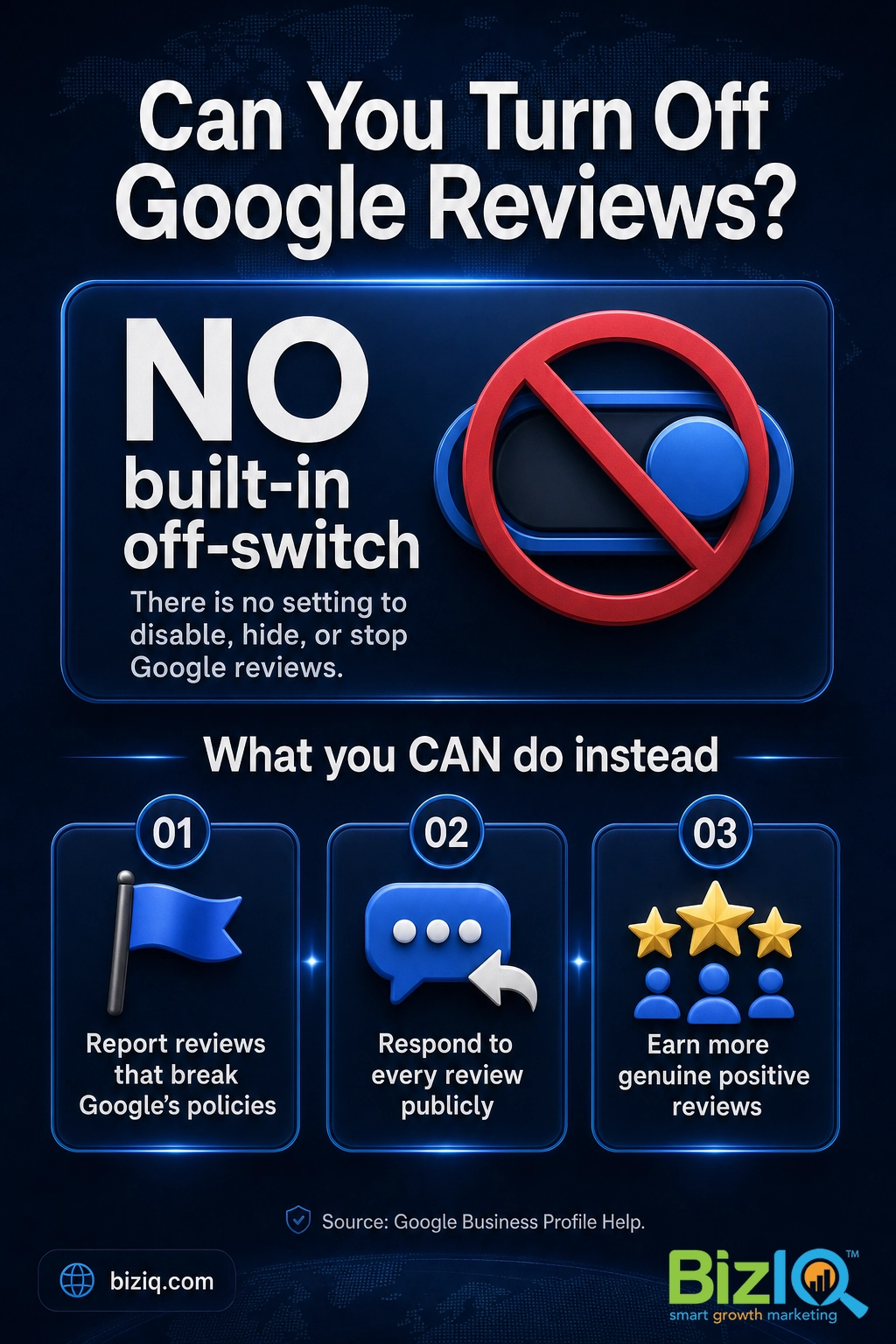
“If I hide my reviews, I protect my reputation.” This is the most common misconception, and it works backwards. A profile with no visible reviews looks abandoned or suspicious to shoppers, and it strips out a signal Google uses to rank local businesses. Hiding feedback does not protect a reputation. Managing it does.
Source: Google Business Profile Help: report and remove reviews
Why Google Won’t Let You Disable or Hide Reviews
The missing off-switch is a deliberate design choice, not an oversight. Google’s entire reason for showing reviews is to give searchers honest, unfiltered information before they pick a business. If owners could silence reviews at will, every profile would show only the feedback the business wanted the public to see, and the reviews would stop meaning anything. Keeping reviews open protects the credibility of the system for shoppers and for the businesses that earn good feedback the right way.
There is also a practical reason this matters to your bottom line. Reviews are one of the clearest trust signals a local shopper has, and they feed directly into how Google ranks businesses in the local map results. Turning them off, even if Google allowed it, would quietly remove one of your best tools for showing up and winning the click.
Do not try to work around the rules. Buying reviews, posting fake five-star reviews from friends or staff, or setting up a review gate that only funnels happy customers to Google all violate Google’s policies and the Federal Trade Commission’s rules on endorsements. Google can suspend a profile for review fraud, and the damage to your trust and rankings lasts far longer than any single bad review would have.
The Only Times Google Reviews Get Switched Off
There are two narrow situations where reviews genuinely stop appearing, and neither is a feature you can turn on yourself.
1. Google pauses reviews during a confirmed attack. If a profile is hit by a flood of fake or coordinated reviews (often called review bombing), Google’s systems may step in, remove the bad batch, and in some cases temporarily pause new reviews while they sort it out. This is a Google-side intervention. You can report a coordinated attack through your Business Profile, but you cannot trigger the pause on demand, and it is not a long-term setting.
2. A few profile categories have reviews off by default. Certain categories, most notably schools and some educational or instructor listings, have historically shown reviews turned off by default. This is applied by Google at the category level and is inconsistent even then. It is not something a typical local business can opt into, and it is not a lever you control.
For every other business, reviews stay open. That is the reality to plan around, so let’s get into the part you can actually do something about.
Source: Google Business Profile Help
What to Do Instead: 6 Ways to Take Control of Your Reviews
You cannot close the door on reviews, but you can absolutely shape what shows up and how it reflects on your business. These six moves are the real version of “turning off reviews,” because they do the thing you were actually after: protecting how your business looks on Google.
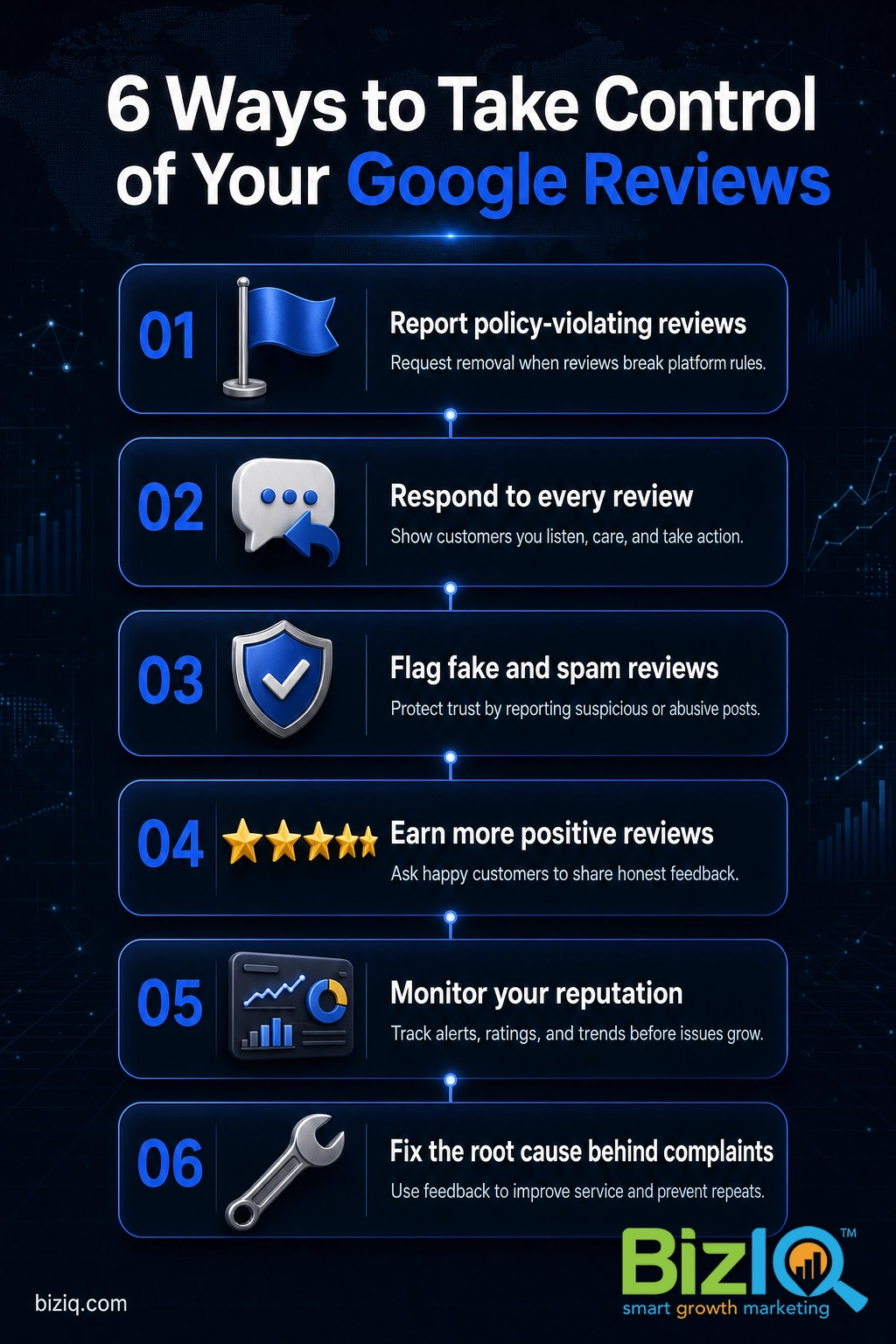
1 Report reviews that break Google’s policies
This is the closest thing to a delete button, and it is the right first step for any review that crosses a line. Google will remove reviews that violate its content policies, including spam and fake content, posts with no genuine experience behind them, hate speech or harassment, off-topic rants, and conflict-of-interest reviews (a competitor, a former employee, or the business reviewing itself). To report one, open the review in your Business Profile or on Google Maps, use the flag or report option, and pick the policy it breaks. Google reviews the report and decides. If it is rejected, you can submit a one-time appeal.
Be realistic about the bar: Google does not remove a review just because it is negative or you disagree with it. A genuine one-star review from a real, unhappy customer will almost always stay up. Save your reporting energy for reviews that truly break the rules, and handle the honest-but-negative ones with step two.
2 Respond to every review, especially the bad ones
A thoughtful public reply is your most powerful move, because it is seen by every future customer reading that review. Thank people for positive feedback, and respond to negative reviews calmly: acknowledge the issue, apologize where it is warranted, briefly note what you are doing to fix it, and offer to take the conversation offline. You are not really writing to the angry reviewer. You are writing to the next hundred people who will read how you handled it. A business that answers a bad review with grace often looks more trustworthy than one with a wall of flawless five stars.
3 Flag fake and spam reviews fast
Fake reviews are their own category of problem, and they are worth chasing down because they are clear policy violations. Watch for reviews from accounts with no profile or a burst of identical posts, reviews that mention a business or service you do not offer, or an overnight spike of one-star ratings with no text. Flag each one through the same report flow in step one, and keep a short record (a screenshot and the date) in case you need to escalate a coordinated attack to Google support.
4 Earn more genuine positive reviews
The single most effective way to blunt a bad review is to bury it under good ones. A business sitting at a 4.8 rating with hundreds of reviews can absorb the occasional one-star without flinching, while the same review is glaring on a profile with only six. Make asking a habit: request a review right after a great interaction, text or email a direct link to your review form, and remind happy customers that a quick review genuinely helps a local business. Ask everyone, not only the people you expect to rave, because a natural mix of honest reviews reads as more credible than a suspiciously perfect wall of fives.
5 Monitor your reputation so nothing surprises you
You cannot respond to or report what you never see. Turn on email notifications for new reviews in your Business Profile, and check your profile on a set schedule rather than only after something goes wrong. Catching a problem review in hours instead of weeks means you can respond while it is fresh and flag a policy violation before it does real damage. Monitoring is the quiet habit that makes every other step on this list work.
6 Fix the problem behind the pattern
One bad review is noise. A pattern is a message. If the same complaint keeps surfacing, about wait times, a specific staff member, pricing surprises, or a product flaw, the fastest reputation fix is to solve the underlying issue. Reviews are blunt, honest, and free customer research. Owners who treat a recurring complaint as a to-do list instead of a personal attack usually watch their rating climb on its own, without reporting a single review.
Those six steps give you more control than any off-switch ever would, because they shape the thing that actually matters: the story your profile tells a shopper who is deciding between you and the business down the street.
Source: Report and remove reviews | Google: tips to get more reviews
Should You Even Want to Turn Off Your Reviews?
Here is the reframe worth sitting with: even if Google handed you the off-switch tomorrow, using it would be a mistake. Reviews are not just a reputation risk to contain. They are one of the strongest growth tools a local business has, and shoppers lean on them hard before they ever call.
That same Google and Ipsos research found that a complete Business Profile makes customers roughly 70% more likely to visit and about 50% more likely to consider buying. Reviews are a core part of that completeness. They signal that a business is real, active, and trusted by other people in the area, and they feed directly into how Google ranks businesses in the local map pack. A profile with no reviews does not look safe to a shopper. It looks like a question mark.
We see the same thing in our own numbers. Visible, well-managed reviews build the kind of trust that turns a search into a phone call, which is exactly why the goal should be more and better reviews, not fewer.
None of this means you have to love every review. It means the smart response to a reputation worry is to get louder with your happy customers, not to go quiet. The businesses that win on Google are the ones with a living, growing, honestly managed set of reviews, not an empty profile.
Real results for real local businesses
How BizIQ clients turned their Google presence into customers.
Rosalia’s Mexican Restaurant
Restaurant — Orangeburg, SC
An out-of-date Google Business Profile was sending customers to competitors. BizIQ revamped the website and optimized their GBP so patrons can easily find them online, see the latest deals, and read reviews.
“They make us louder, they help us demand attention, and we get it.” — Kim, Owner
Signmakers
Custom signage — Los Angeles, CA
This 25-person LA sign maker — serving brands like Ferrari, Louis Vuitton, and Piaget — got the phone ringing with higher-quality clients after partnering with BizIQ.
“We definitely got the phone ringing with higher quality clients.” — Paul Stoakes, Owner
If managing all of this on top of running your business sounds like a lot, that is usually the point where a growth partner earns its keep.
How BizIQ Helps You Manage Google Reviews
BizIQ has helped small and local businesses win on Google since 2013, and reputation is a core part of that work. Our reputation management team helps you request reviews consistently, respond to feedback in your brand’s voice, flag the reviews that break Google’s rules, and keep an eye on your rating so nothing catches you off guard. It is the whole six-step playbook above, run for you.
If your profile itself needs work before reviews can do their job, our Google Business Profile services make sure the listing is complete, accurate, and optimized to rank, and our GBP setup service gets a new or neglected profile built right. Want to know where you stand first? A free Google Business Profile analysis shows exactly what is helping and hurting your local visibility, reviews included.
You can also dig deeper with our related guides on whether you can disable reviews from Google, how to remove fake Google reviews, responding to bad reviews, and getting more positive reviews. For quick answers, the Google Business Profile FAQ covers the common questions in one place.
Get your free Google Business Profile analysis
Uncomplicated & easy
“Since working with BizIQ we have already noticed a climb in our daily bottom line. Customers new to our small town have easily found us and have come in to buy eyeglasses that would…”
— Eve H.
So pleased
“I am so pleased with BizIQ. For the first time I did the right thing in hiring them to assist me with increasing my business. I have moved onto page one of the internet in my area and…”
— Jan W.
Fantastic
“Great company to work with. The people are fantastic and do a great job eliminating the hassle of what could otherwise be a very daunting and time consuming task. The increase in…”
— Tim M.
Frequently Asked Questions
Can you turn off reviews on Google Business?
How do I hide reviews on my Google My Business profile?
How can I stop getting reviews on Google?
Can I delete a bad Google review I don’t like?
Do Google reviews help or hurt my local ranking?
Why does Google not let businesses turn off reviews?
The bottom line: you cannot turn off reviews on Google Business, and once you see how much reviews drive local visibility and trust, you will not want to. Report the rule-breakers, reply to the rest, and keep earning honest feedback. That is how you take real control of your reputation, and it beats any off-switch Google could have built.